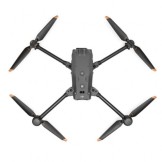
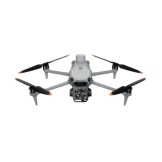
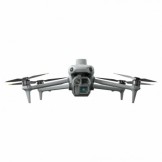
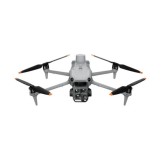
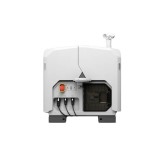
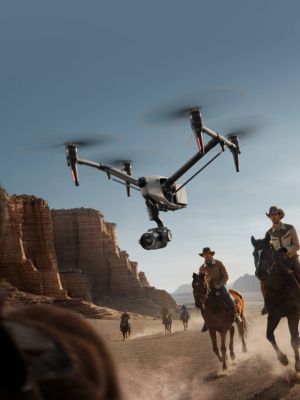
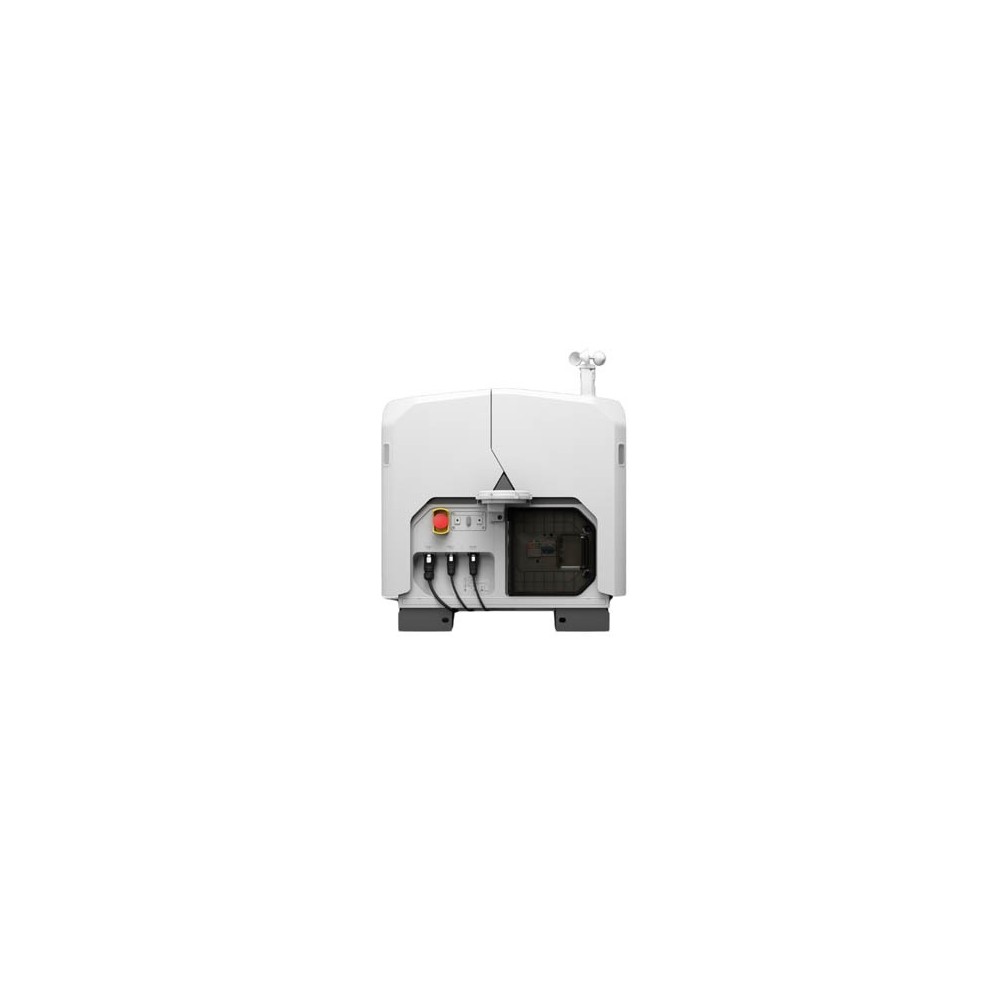
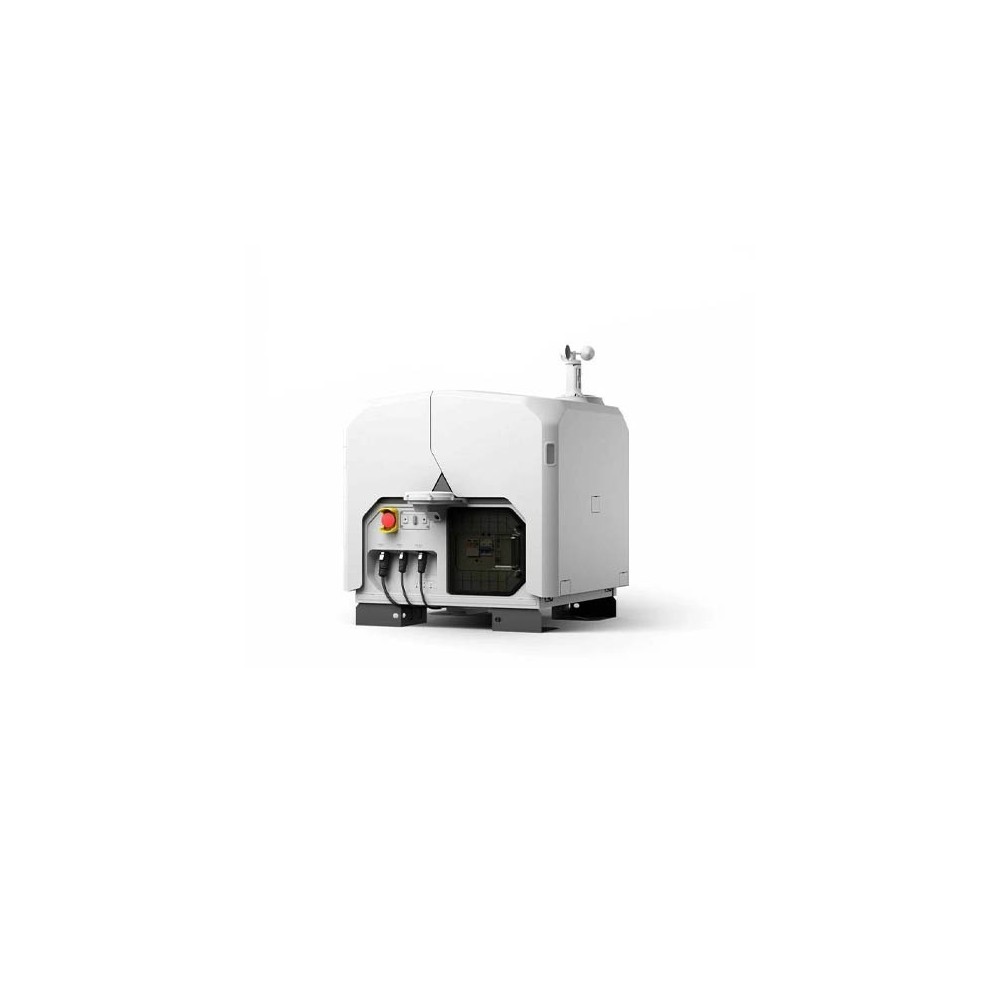
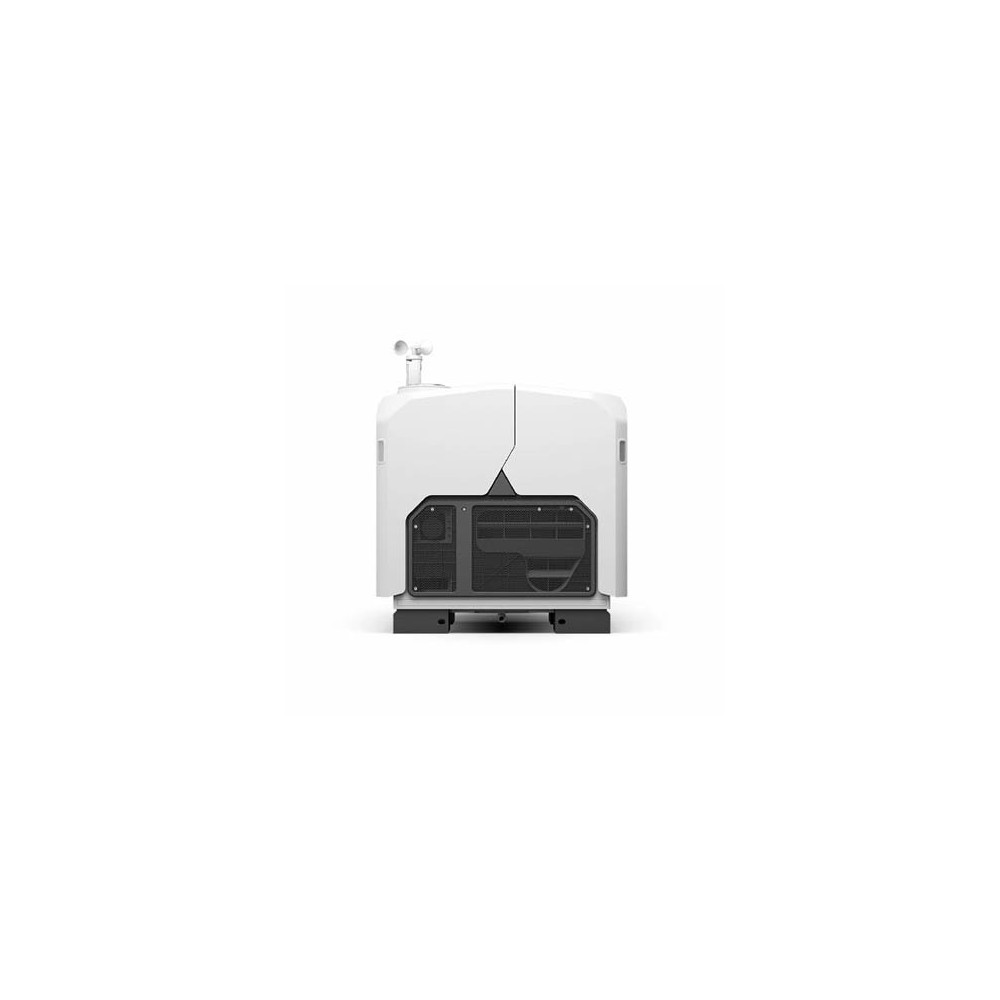
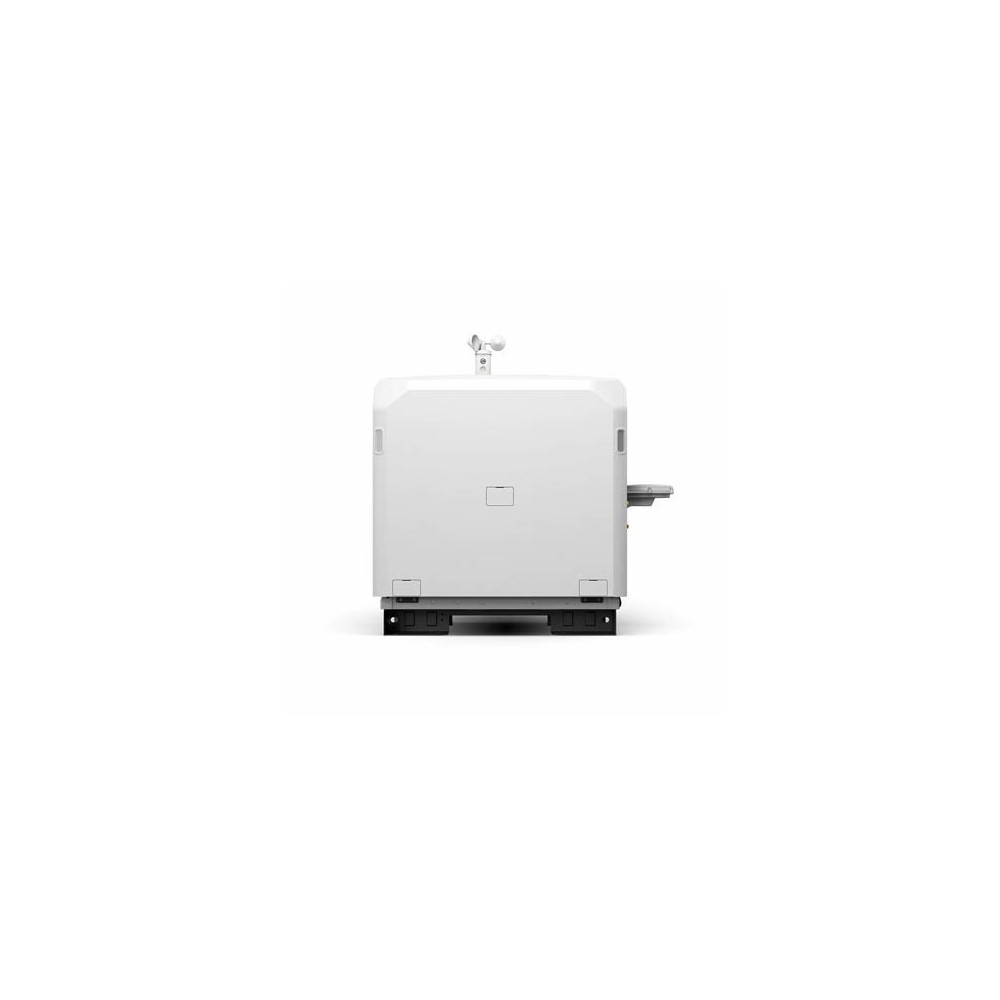
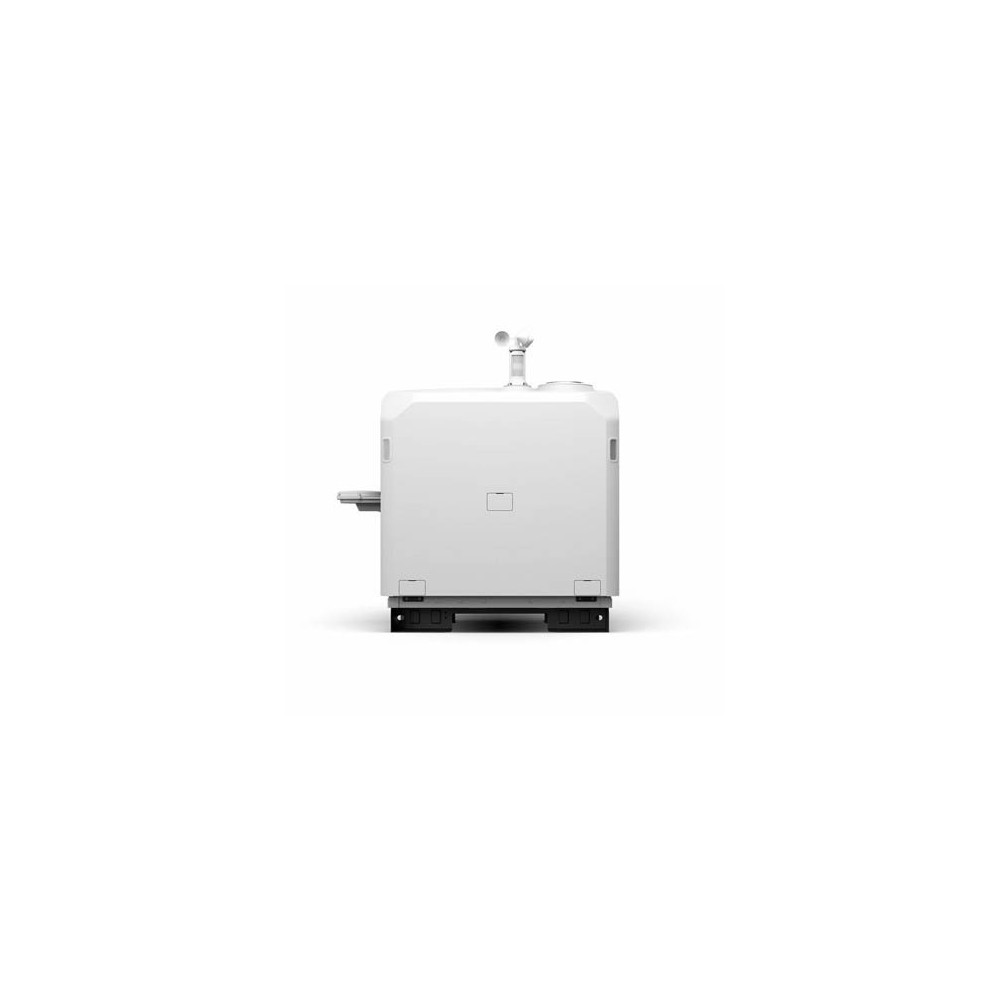
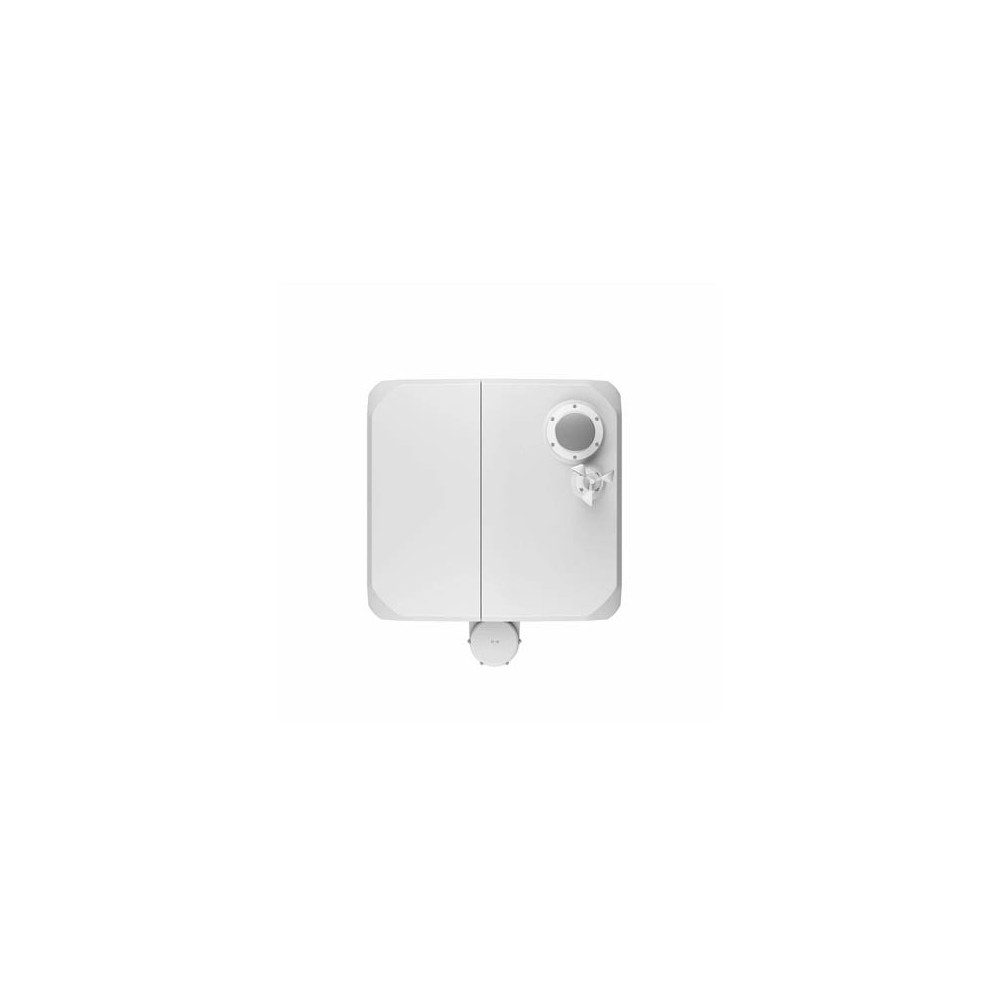
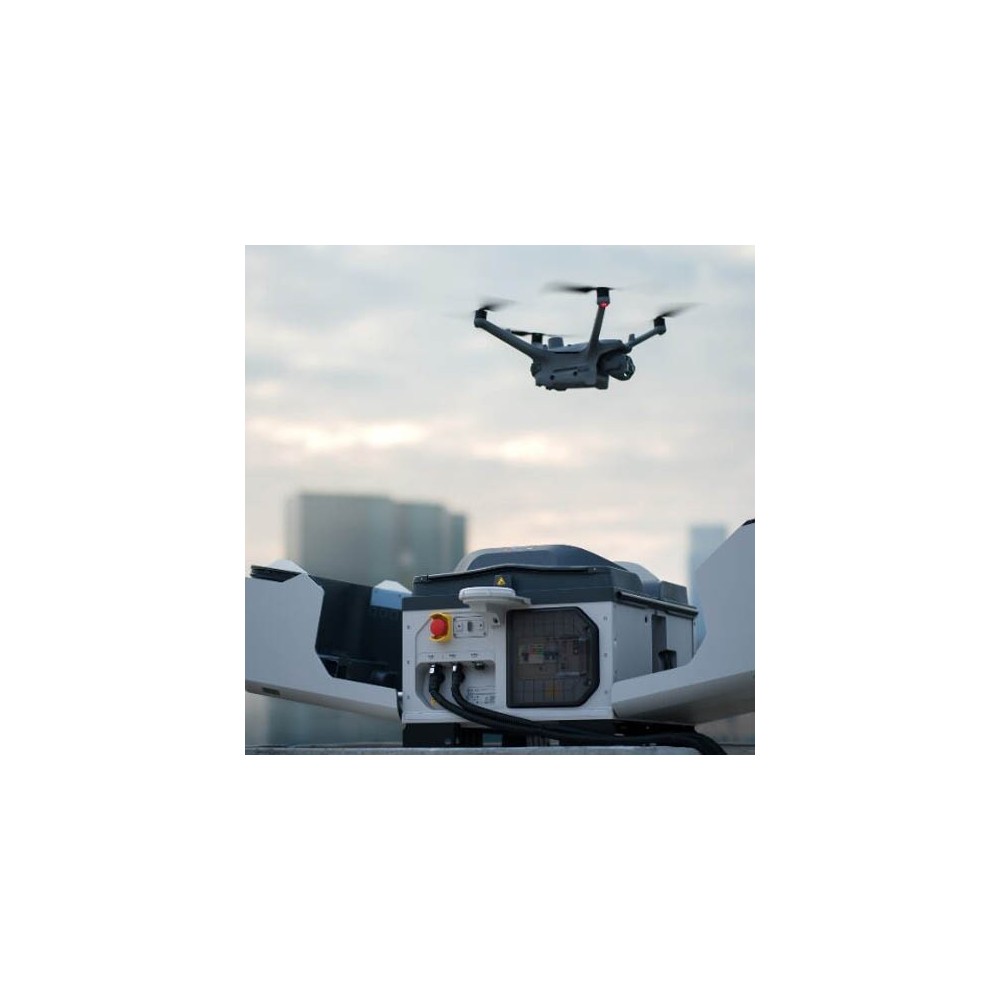
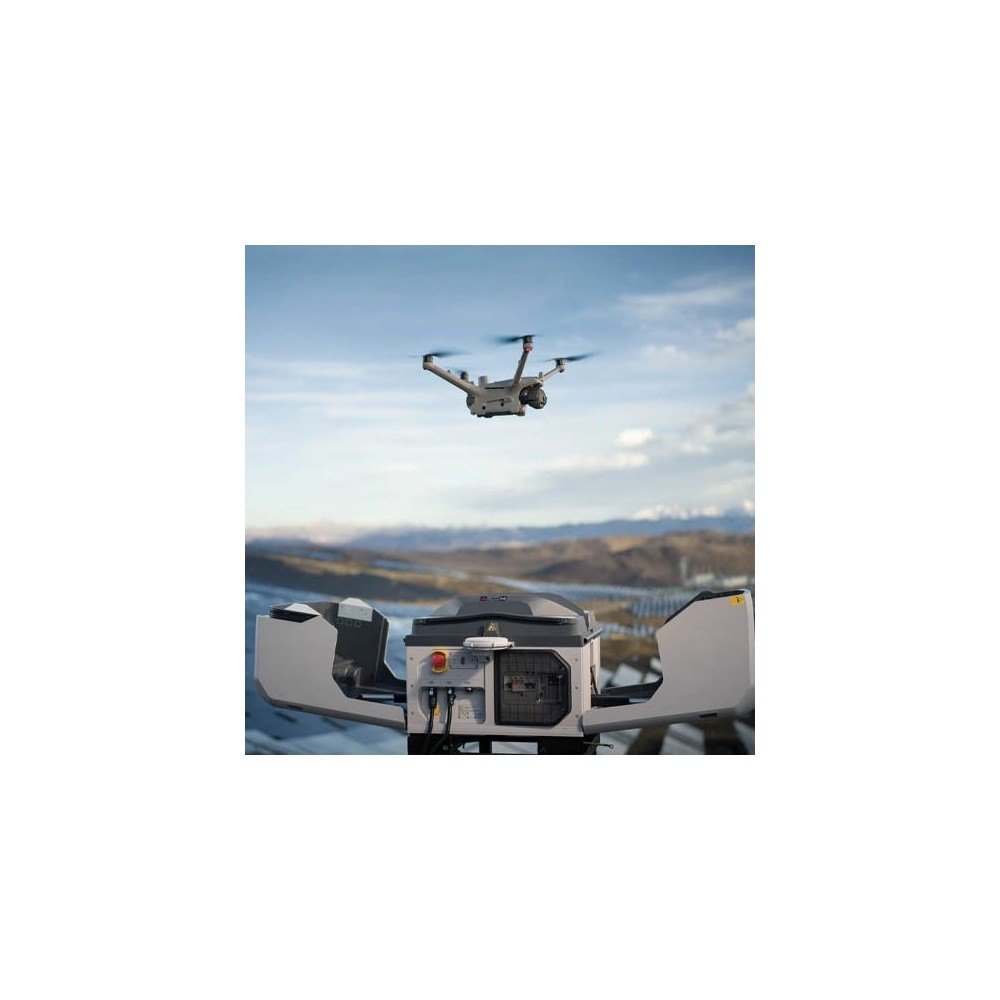
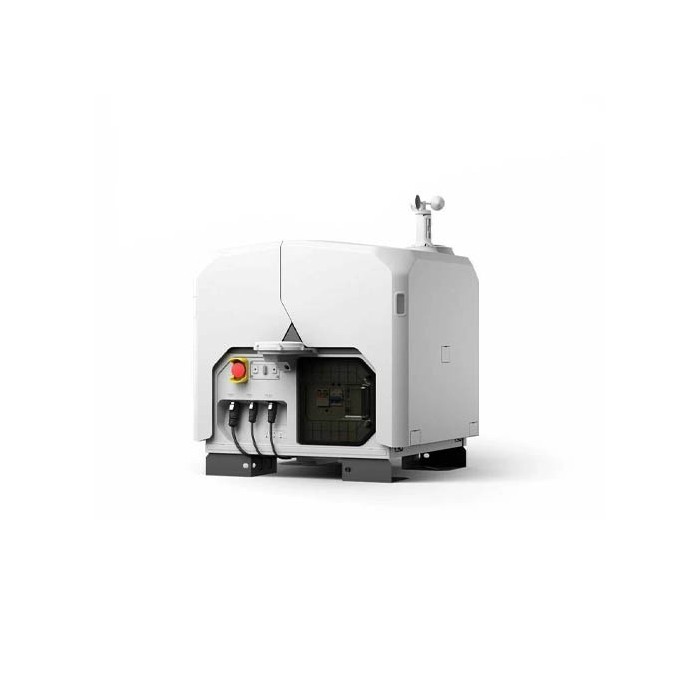
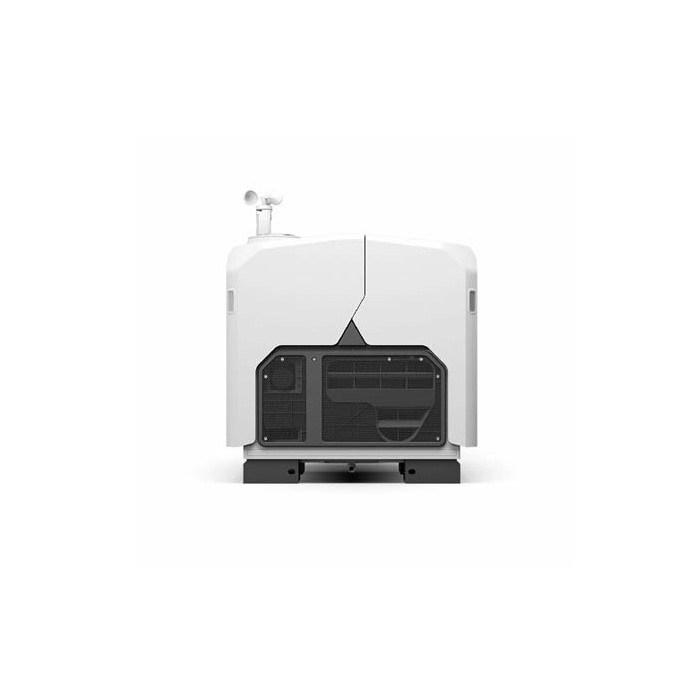
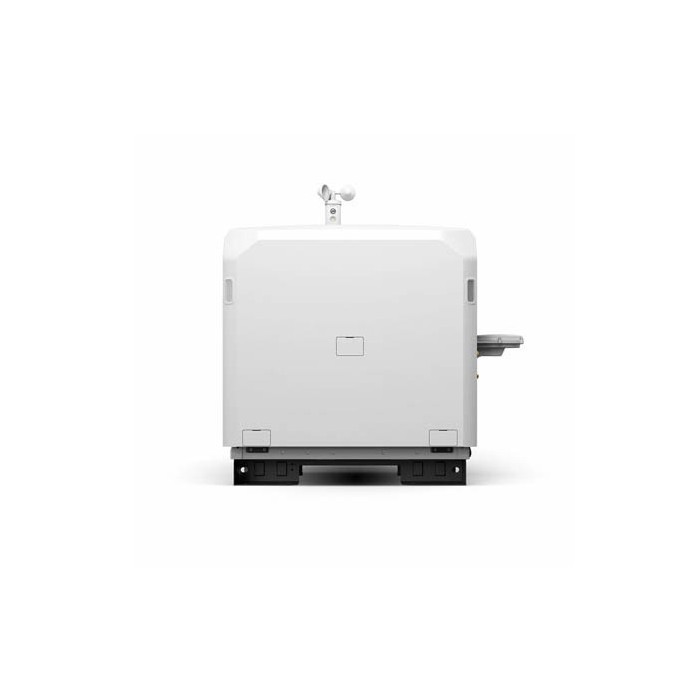
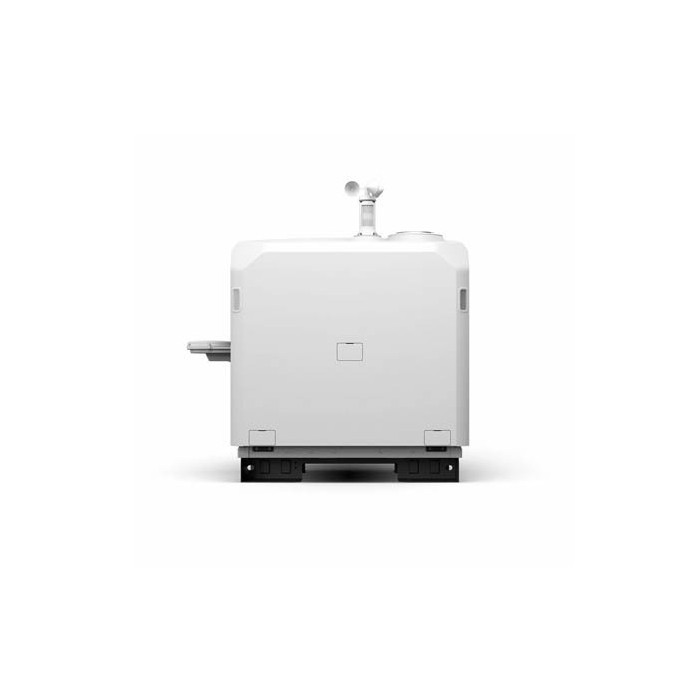
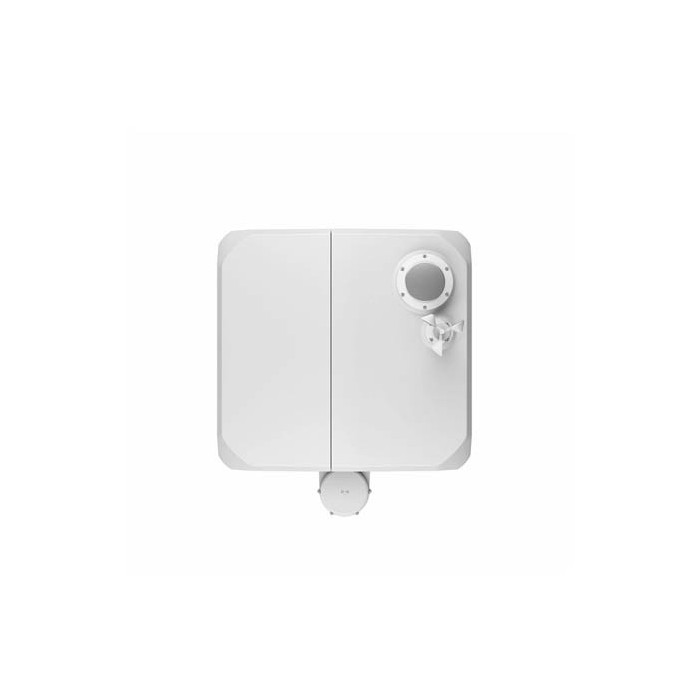
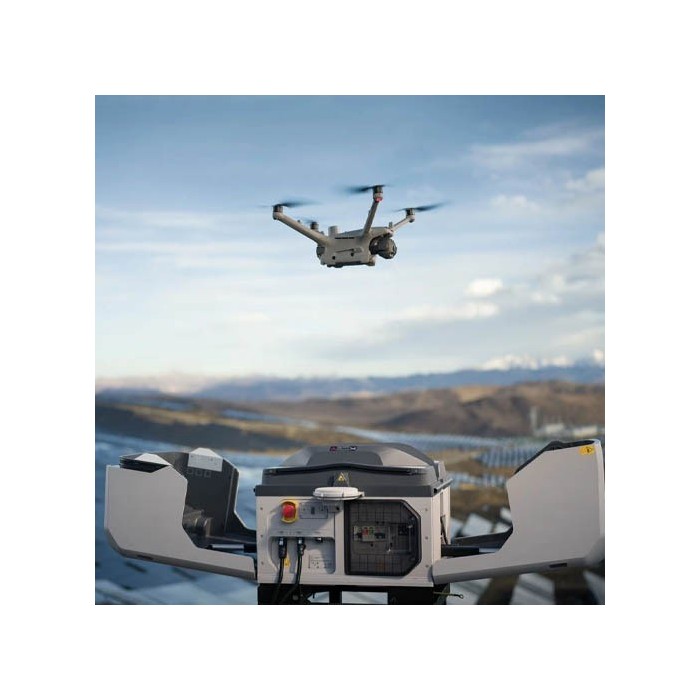
The DJI Dock 3 is a fully automated docking station that houses, charges, and deploys a Matrice 4D or 4TD drone without any on-site presence. Rated IP56, it withstands demanding environments and can be installed in a fixed location or on a vehicle. Remotely manage your missions via DJI FlightHub 2 for inspections, surveillance, or emergency response.
DJI Dock 3: the station that keeps your drone available 24/7
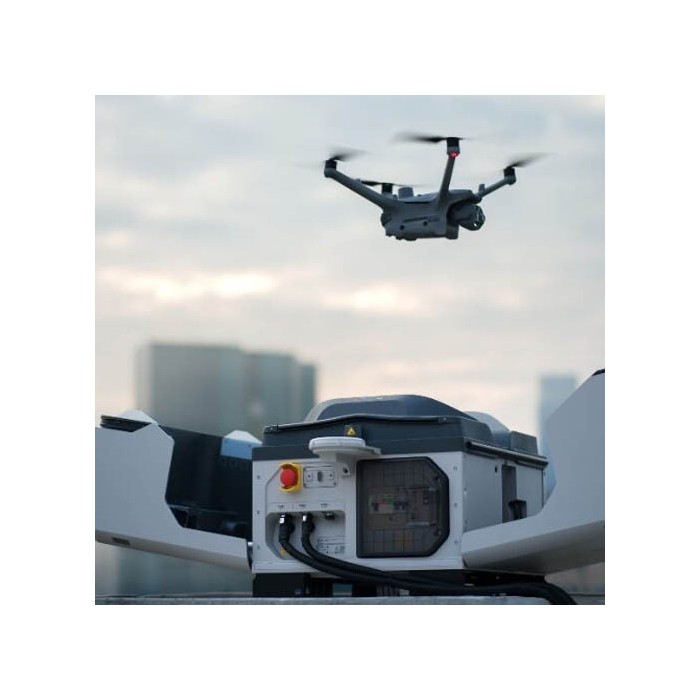
The DJI Dock 3 is an automated docking station designed for organizations that need regular or immediate aerial data without deploying a pilot in the field. Paired with a DJI Matrice 4D or Matrice 4TD drone, it forms a complete system: the drone is stored safely, charged, launched on demand, and retrieved at the end of each flight.
Control is handled remotely, from a control station or a simple browser. You schedule recurring patrols, launch a mission with just a few clicks, and monitor live footage. The station can remain outdoors year-round and is suited to both industrial sites and response vehicles.
Key features
Automated docking, charging, and launch station for a Matrice 4D or 4TD drone
IP56 protection for the station, IP55 for the aircraft
Automatic takeoff in around ten seconds
Stable takeoff and landing in winds up to 12 m/s
Operating radius of up to 10 km around the station
Cover designed to continue functioning in light frost conditions
Anti-vibration structure to maintain reliability in vehicle-mounted use
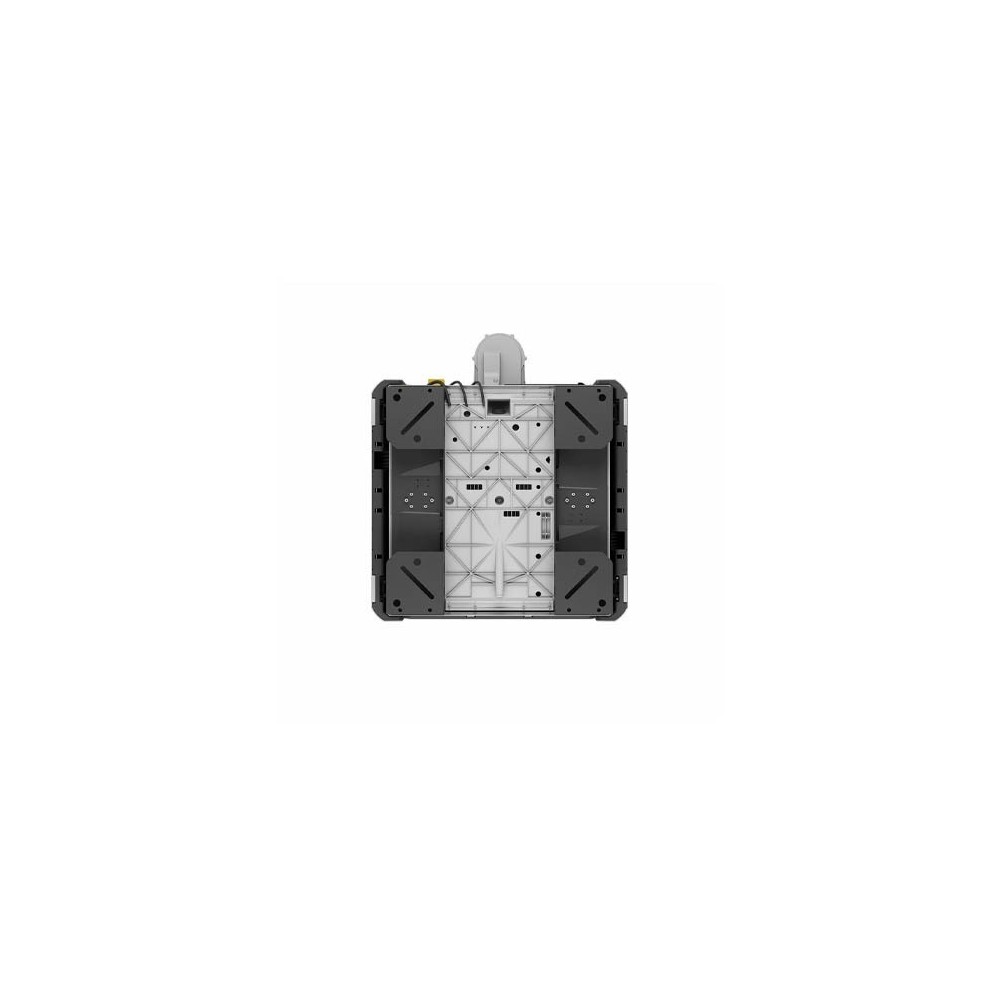
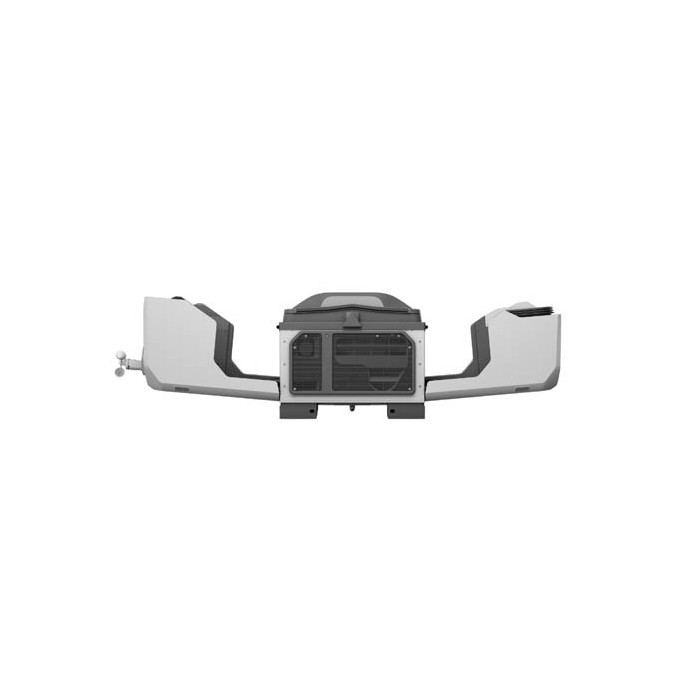
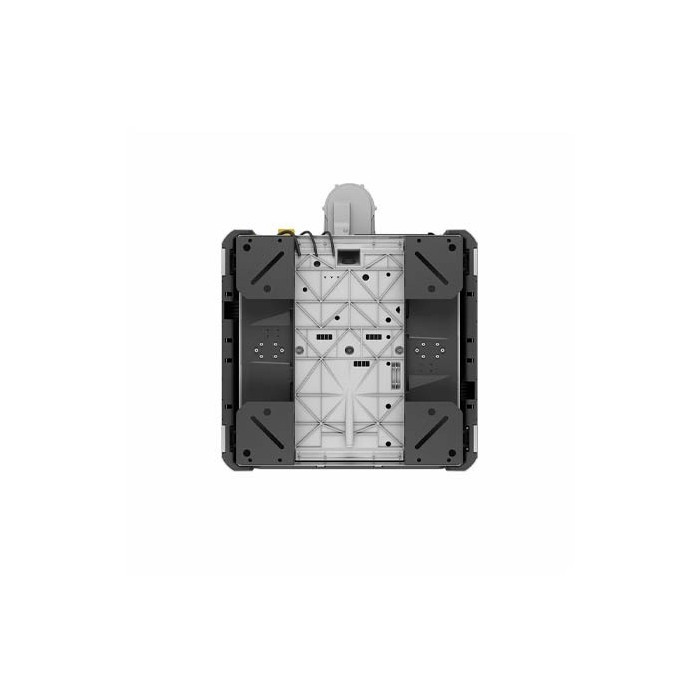
Fixed installation or vehicle mounting with the dedicated support
Dual-station mode: a single drone can operate from multiple stations
Remote RTK position calibration of the station via FlightHub 2
4G connectivity via the DJI Cellular Dongle 2 (required)
Simplified setup with the DJI Enterprise app on an Android smartphone
Integration into your own applications via DJI Cloud API
How does the system work?
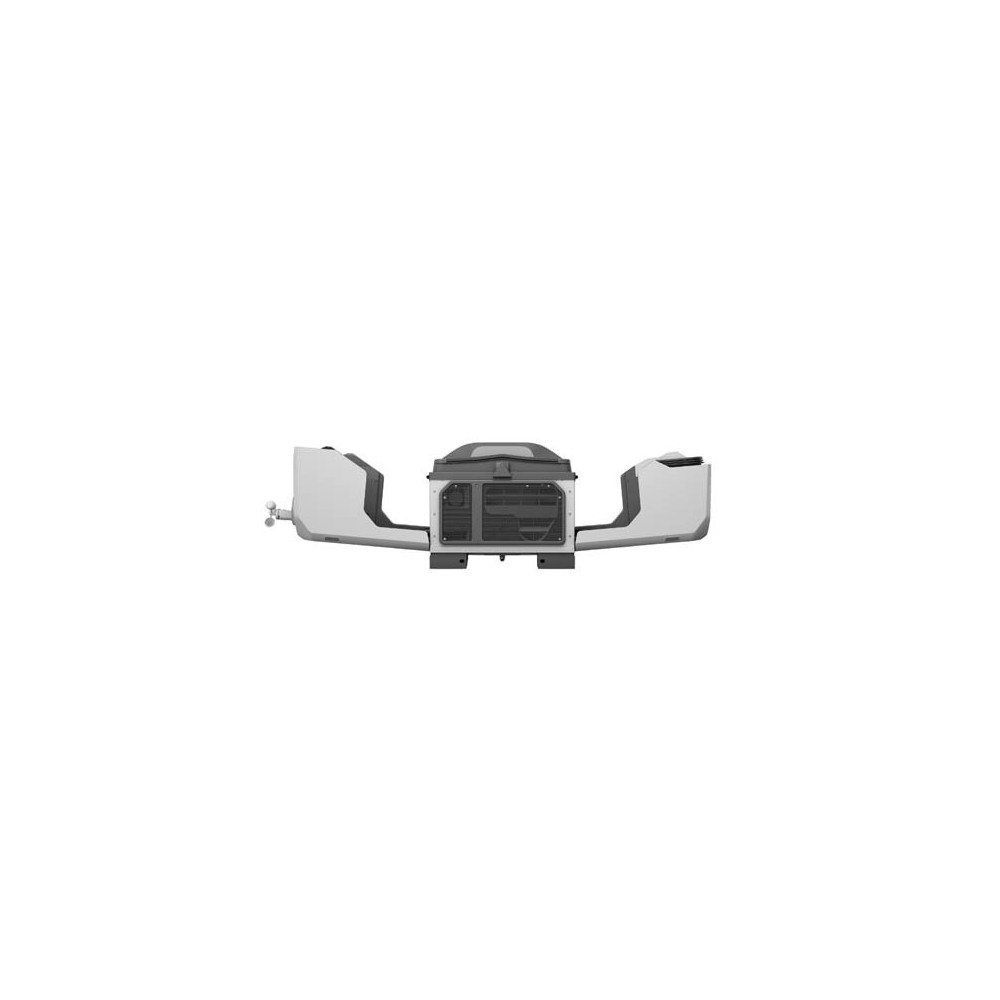
The mission cycle is fully automatic. At the scheduled time, or on manual command, the cover opens and the drone takes off. It follows its route, captures the requested images or measurements, then returns to land on the platform using the landing markers on the station. The cover closes, charging begins, and the drone is ready for the next mission.
The drone carries a transmission relay that helps it maintain contact with the station when buildings or obstacles are in its path. This extends the practically usable areas compared to a simple direct link.
Why choose the DJI Dock 3?
React faster. The drone is already on site, powered up and ready to go. For an alarm, an incident, or an urgent check, you get an aerial view in seconds, without waiting for a team to arrive.
Reduce travel and risk. Inspecting a rooftop, a chimney, a power line, or an extended perimeter usually puts people in harm's way. With the station, these observations are carried out from the ground, remotely, with reduced exposure.
Track changes over time. By repeating the same route at regular intervals, you build a comparable history from one flight to the next: progress on a construction site, the condition of an installation, or changes in a sensitive area.
Stay flexible. Thanks to the vehicle mounting support, the station can move with you. It can be positioned near an event, a fire, or a temporary worksite, then returned to its usual location once the mission is complete.
Maintain control of your data. The DJI FlightHub 2 platform centralizes planning, real-time monitoring, media, and alerts. It holds ISO 27001 certification, an important consideration for organizations subject to information security requirements.
Use cases
Site security and surveillance: automatic patrols, alarm verification, supervision of extended perimeters
Industrial inspection and energy: rooftops, structures, lines, hard-to-reach installations
Civil protection and emergency response: rapid situational assessment, fire monitoring, support for field teams
Construction and quarries: progress monitoring, regular surveys, time-based comparisons
Local authorities and infrastructure: monitoring of structures, natural areas, or one-off events
One station, two possible drones
The Dock 3 works with the Matrice 4D or the Matrice 4TD. Both share the same airframe, the same battery, and the same transmission system, but serve different purposes:
Matrice 4D: focused on mapping and optical inspection, with wide-angle, medium telephoto, and telephoto cameras
Matrice 4TD: focused on public safety and thermal detection, with the same optical cameras and a thermal module
The Matrice 4 and Matrice 4T models are not compatible with this station. Only the "D" models, designed for the dock, can be used with it.
Compatible options and accessories
Vehicle mounting support for deploying the station on the move
AVSS parachute recovery system for operations that require it
DJI RC Plus 2 Enterprise for standalone use of the complete system
Installation and setup
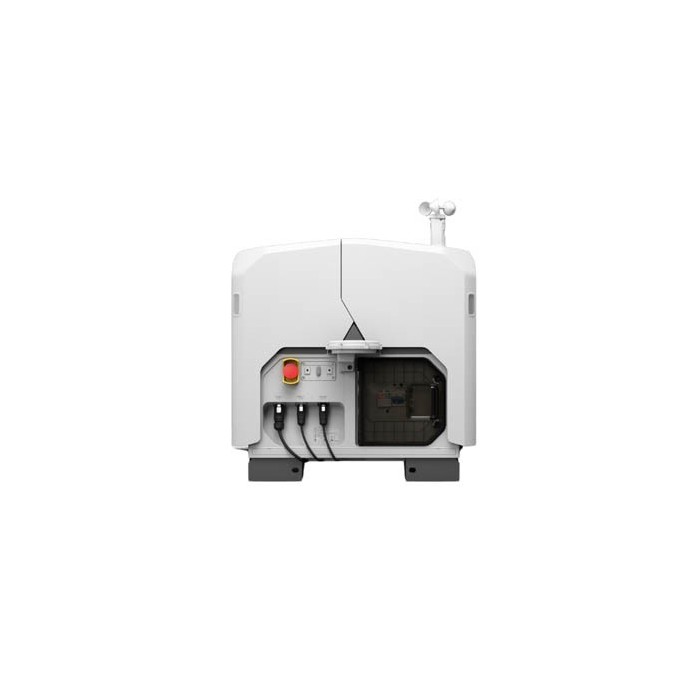
The station requires a power supply and network access. It is supplied with a power connector and a network connector, compatible with those of the Dock 2. Setup is carried out via the DJI Enterprise app: you configure the station, pair it with the drone, and connect it to FlightHub 2. We recommend having the site selection and installation carried out by a professional, in order to meet the safety, regulatory, and network requirements of your site.
Box contents
1 DJI Dock 3 station
1 power connector (compatible with Dock 2 connectors)
1 network connector (compatible with Dock 2 connectors)
Matrice 4D or 4TD drone depending on the chosen configuration
The DJI Cellular Dongle 2, required for 4G connectivity, is a separate item.
.png)
 English
 Français
 Deutsch
 Nederlands
 Italiano
 Español

.svg)






.jpg)